Account creation Member
In the latter email a link is embedded that will redirect the member to the service portal web app. Which on its turn will redirect the member to the Linckr service portal login page:
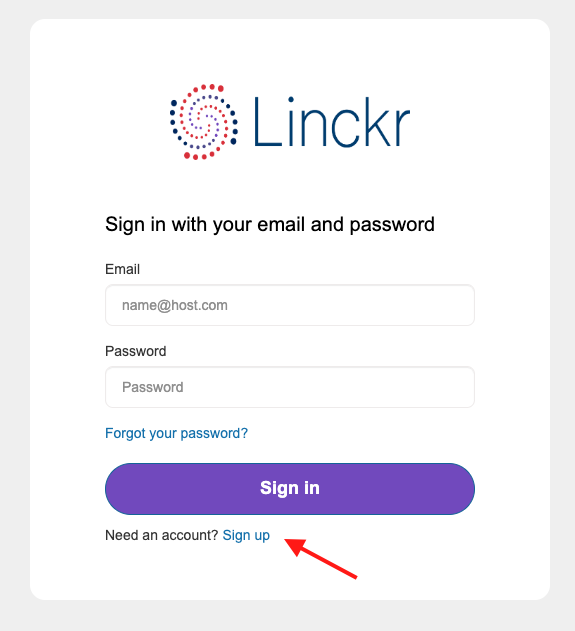
The first time the member uses Linckr they must select sign up, choose an email, password, and validate their email by entering a code. Account creation can only be done via the user interface and must be done by the member itself.
When a member already has an account, they can just log in.
note
Note that a member (uniquely identified by its email address), can be part of multiple organisations.
note
Note that the email can be sent to jos@private.com and that the member can accept an invitation with an account with email jos@work.com.