Configure an organisation and invite members
It is the responsibility of the Linckr admin to create an organisation and invite members. During the onboarding at Linckr your organisation will have to fill out an Excel form. In this form all the members must be listed.
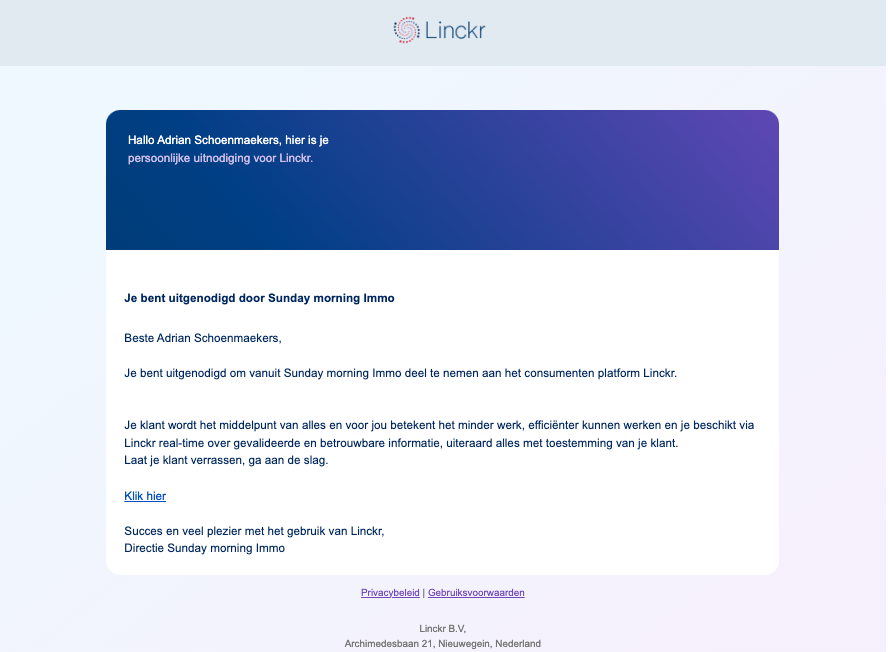
Once a member is invited to an organisation they will receive the following email:
info
In the future, we will unlock a feature, that allows you to manage members and their permissions in your organisation via the API. For the time being please contact support@linckr.com